
Calls & texts
Business phone, voicemail, texting and missed-call replies.
For owner-operated trades and home-service businesses
I fix the everyday gaps that can cost you work, from missed calls and slow follow-up to clunky quoting, payment hassles and a weak online presence.
Keep what works. I help figure out what’s worth fixing, then set it up and show you what you need to use.
Business phone, voicemail, texting and missed-call replies.
Professional quotes, approvals, deposits and easy ways to pay.
Keep jobs, scheduling and follow-up organized with a setup that fits how you work.
Clean up Google, fix or build the website, and set up review requests.
Tell me what feels messy. Use the short form, call or text.
I show you what I’d keep, what I’d fix, what I recommend, what the setup will cost, and any ongoing costs.
I handle the setup, connections and testing, then show you what you actually need to use. When it makes sense, we can do it one piece at a time.

You work directly with me from the first look through setup. I’ve worked in business operations since 2009, including building and leading renovation teams.
Now I use that same approach to help small trades get the business side working better without adding unnecessary complexity.
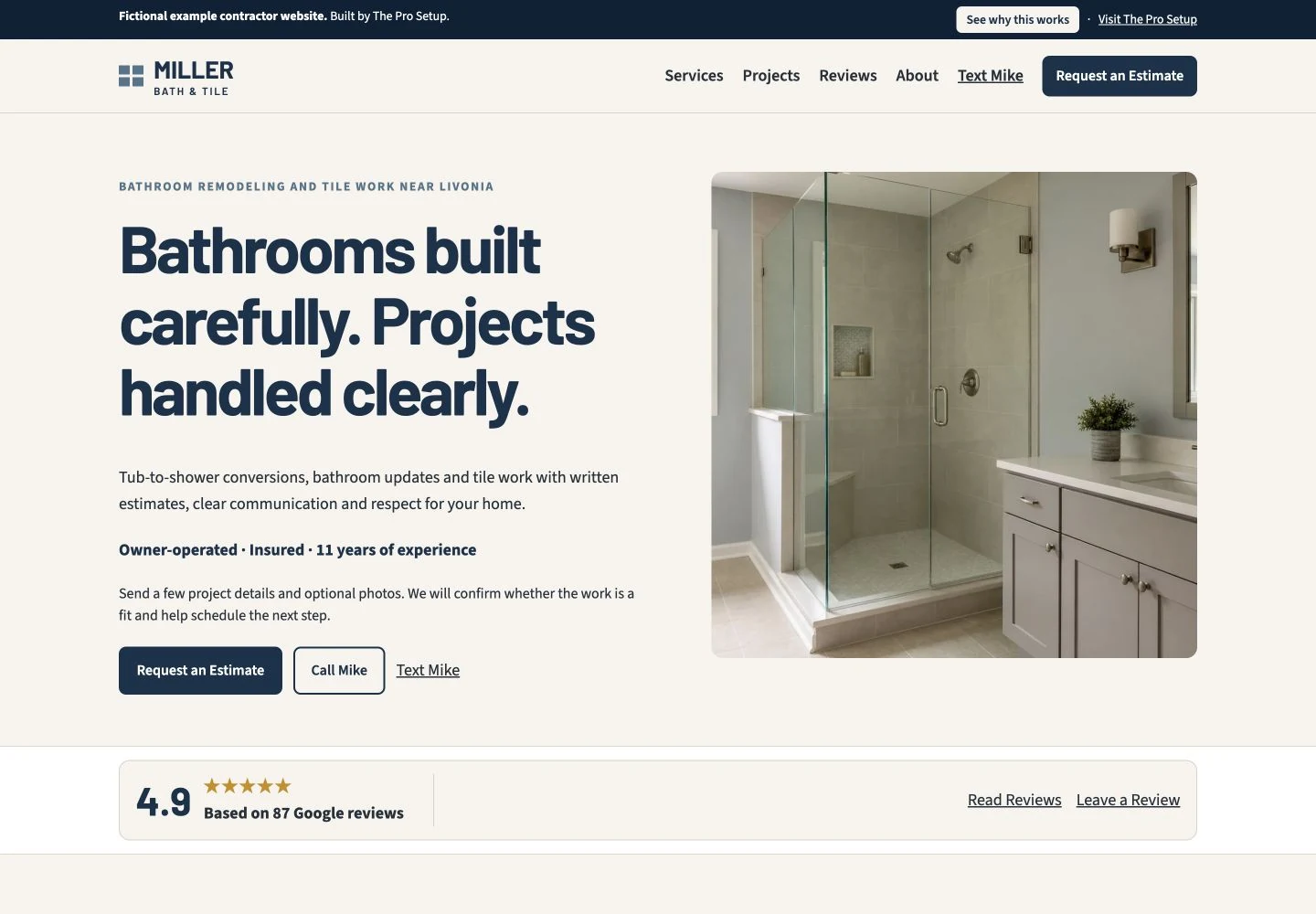
One example setup.
This fictional contractor shows what one clean customer experience can look like. Yours may be smaller or different depending on what already works and what your business needs. The tools behind it can vary too.
Fix one area or get the whole setup handled. You only pay for what your business actually needs.
No required monthly Pro Setup fee. Simple solo-pro setups are often about $15–$35/month in third-party tools. Jobber or other additional software may cost more. You’ll see every ongoing cost before work starts.
Start with a Free First Look. I’ll show you what’s worth fixing, what can stay, and what it would cost.
Paying Pro Setup clients can order common business printing through my wholesale suppliers at wholesale cost. You pay the printing, shipping and applicable tax. New artwork or design is separate.
Need a better logo, updated branding or professionally designed materials? Professional design services are available separately when you need them.
Yes. I work with trades nationwide and handle most setup remotely. If you’re in Metro Detroit and prefer to meet in person, we can do that when it makes sense.
Keep it if it works. I’m not here to replace good tools just because I can. I look for the gaps and recommend only what would actually make the business work better.
You might. Jobber is a good fit when connected customer and job management would actually help. If it makes sense for your business, I can set it up. If a simpler setup does everything you need, I won’t make you pay for or learn more software than necessary.
That’s part of why I handle the setup. I configure and test it, then show you only what you actually need to use.
Smaller jobs are usually paid before I start. Larger projects can be split into payments when it makes sense. You’ll see the full project price and payment terms before any work begins.
Sometimes. Simple setups are often inexpensive, while Jobber or other additional software can cost more. There is no required monthly Pro Setup fee, and you’ll know the ongoing costs before approving the work.
Start with a Free First Look. I’ll show you the simplest place to start.